Internet Connectivity
- Wi-Fi: Connect wirelessly to your internet network.
- Ethernet: Connect to the internet using a network cable.

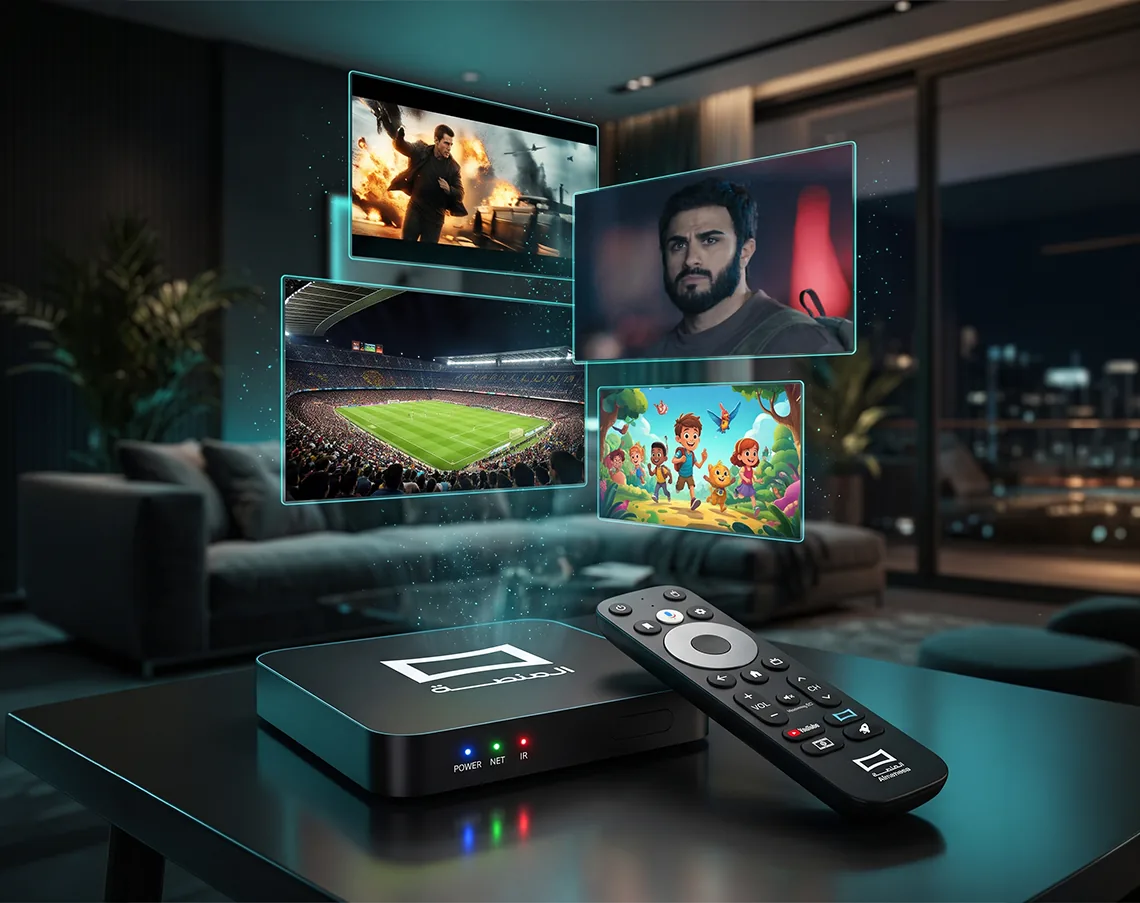
With AlManasa Box, transform your TV into a complete entertainment hub. One device brings together your favorite sports matches, a diverse library of movies and TV series, and hundreds of live TV channels, eliminating the need for multiple apps, devices, and cables.
Order Now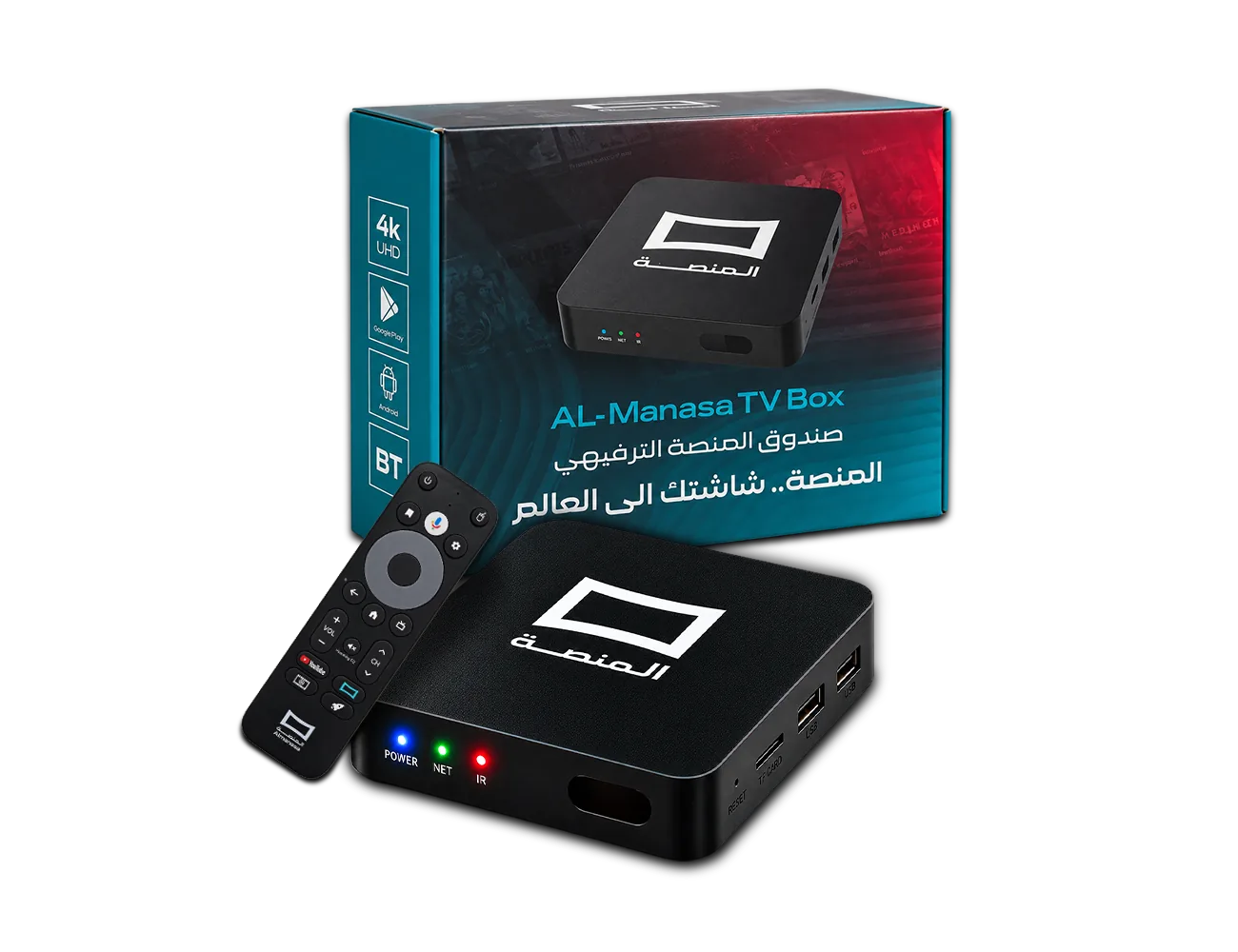
From watching football matches to enjoying movies and series, AlManasa Box offers a variety of entertainment options for you to enjoy anytime.
Connect your device to the internet via Wi-Fi or an Ethernet cable, choosing the connection method that best suits your home setup.
Use the remote control to navigate content, settings, and available options with ease.
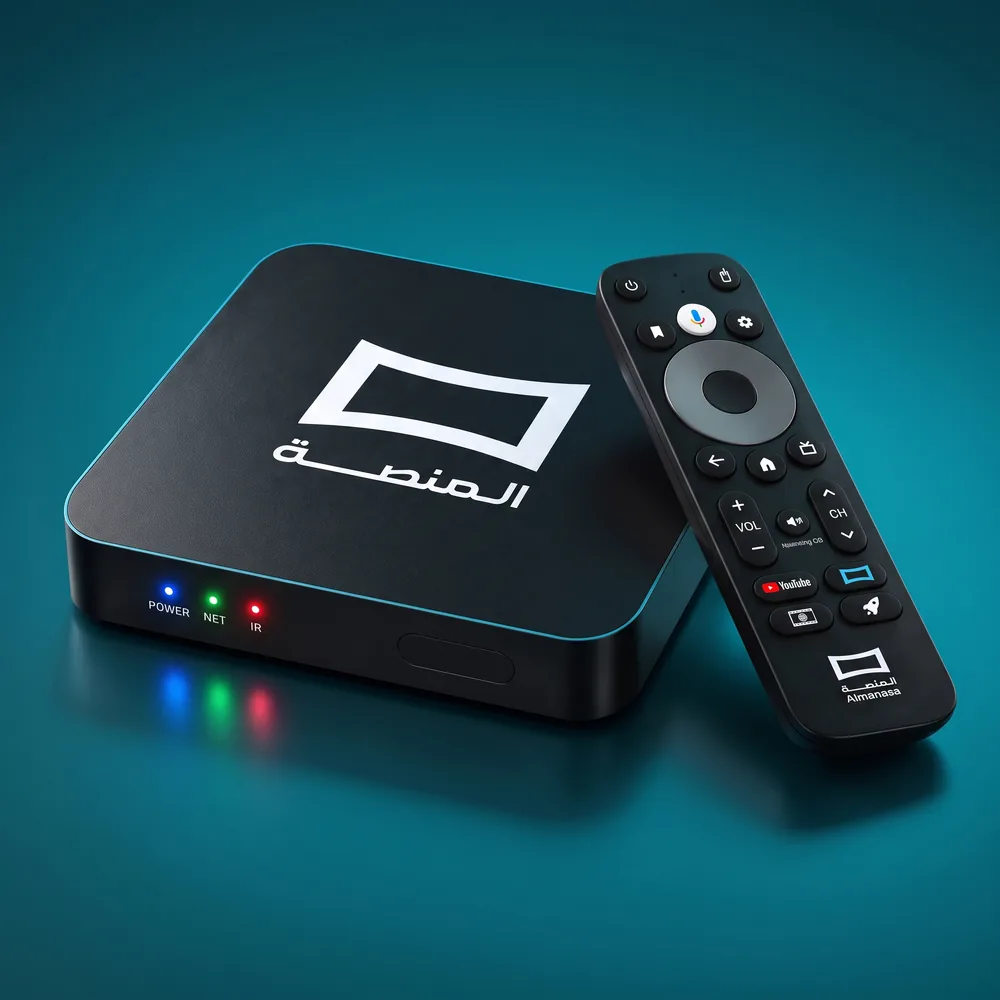
The remote control features Google Assistant, allowing you to search for content and perform supported commands using your voice.
Connect AlManasa Box to your TV, connect to the internet, and follow the simple setup steps to get started with your viewing experience.
 Sports
 Horror
 News
 Action
 Romance
 Comedy
 Kids
 Drama
 Documentary
 Thriller
 Crime
 Sci-Fi
 TV Shows
 Anime
 Adventure
 Series
 Cartoons
 History
 Live TV
 Theater
AlManasa Box offers a variety of connectivity options, allowing you to connect it to your TV, the internet, and compatible devices with ease.
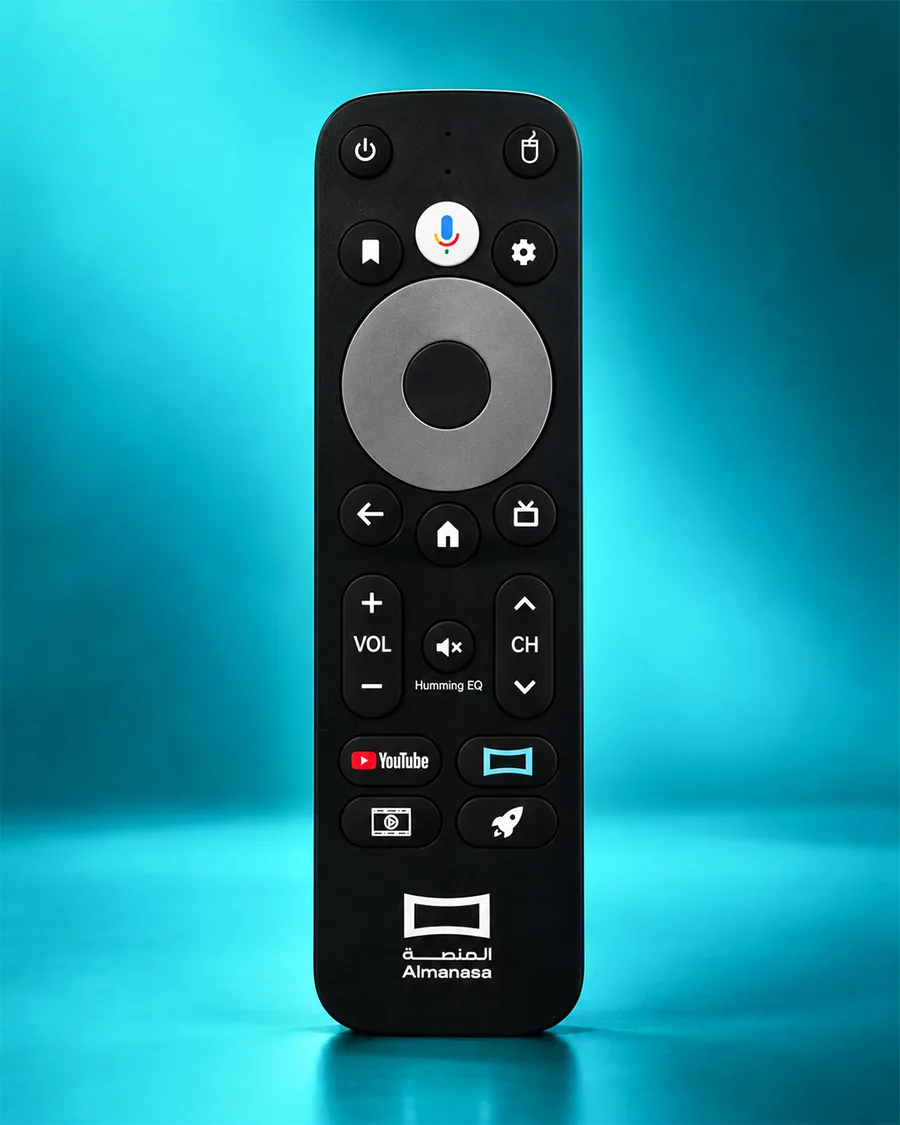
The device comes with a remote control that supports Bluetooth connectivity, along with Google Assistant for supported voice commands.
Use an HDMI cable to connect AlManasa Box to your television.
Choose between a Wi-Fi connection or an Ethernet cable.
Connect the power adapter to the device, then turn it on.
Follow the on-screen instructions to complete the setup and start using your device.
It allows you to enjoy AlManasa content on your TV screen, providing a bigger and more comfortable viewing experience.
You can access AlManasa's sports and entertainment content, including the Spanish League and Italian League, Arabic and international movies and series, and more than 400 satellite channels.
Connect the device to your TV using an HDMI cable, then connect it to the internet via Wi-Fi or an Ethernet cable, and follow the setup instructions displayed on the screen.
Yes, the device supports internet connectivity via Wi-Fi or an Ethernet cable.
The device can be connected to the internet in two ways: wirelessly via Wi-Fi or using an Ethernet cable.
The device can be connected to the TV via the HDMI port, which transmits digital video and audio.
Yes, the remote control supports Google Assistant, allowing you to use compatible voice commands.
Yes, the remote control supports Bluetooth connectivity.
The device includes HDMI, Ethernet, optical audio, and AV ports, as well as two USB ports, a memory card slot, and a reset port.
Yes, the device supports connection to compatible audio systems via the optical audio port.
Yes, the device has a slot for compatible TF memory cards.
The device has a reset port, which can be used when needed according to the device's user instructions.
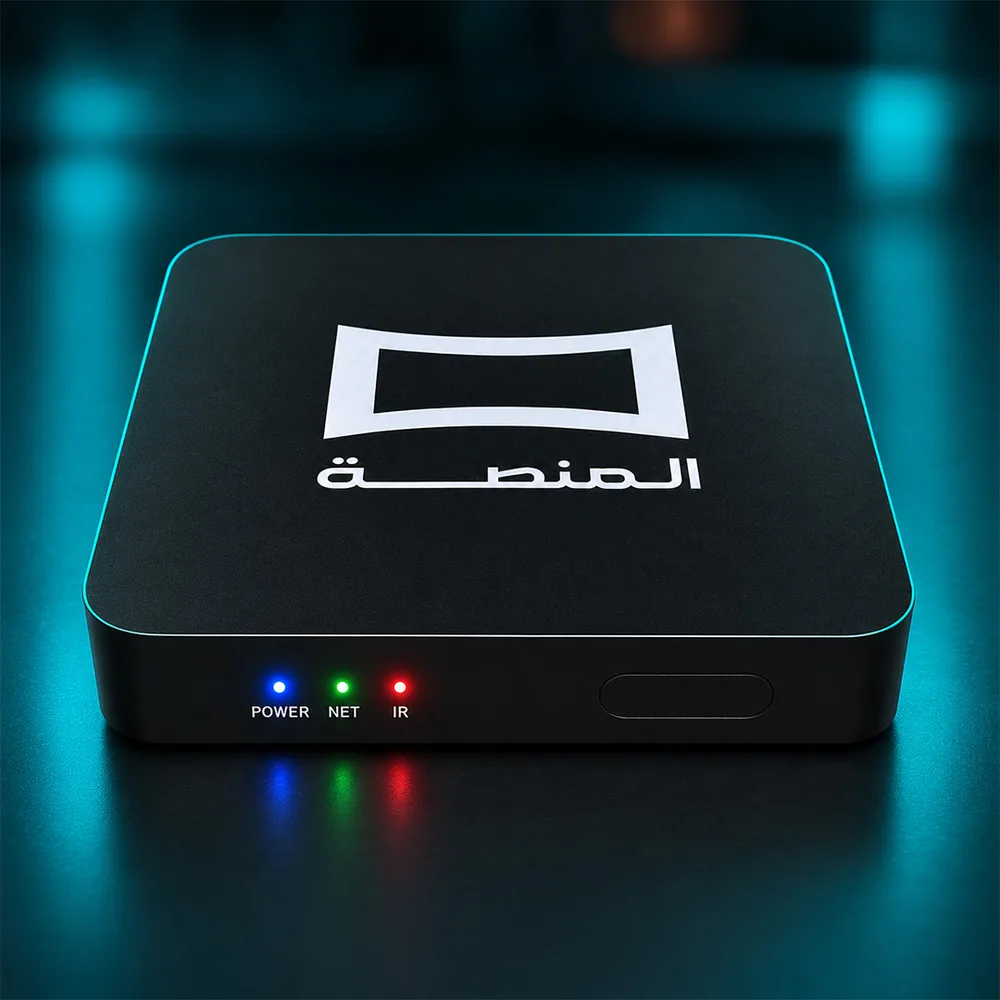
Enjoy sports and entertainment on your TV with AlManasa Box.
Discover the Device